Skip to content
Free template

Stage plot template for bands, with a worked example

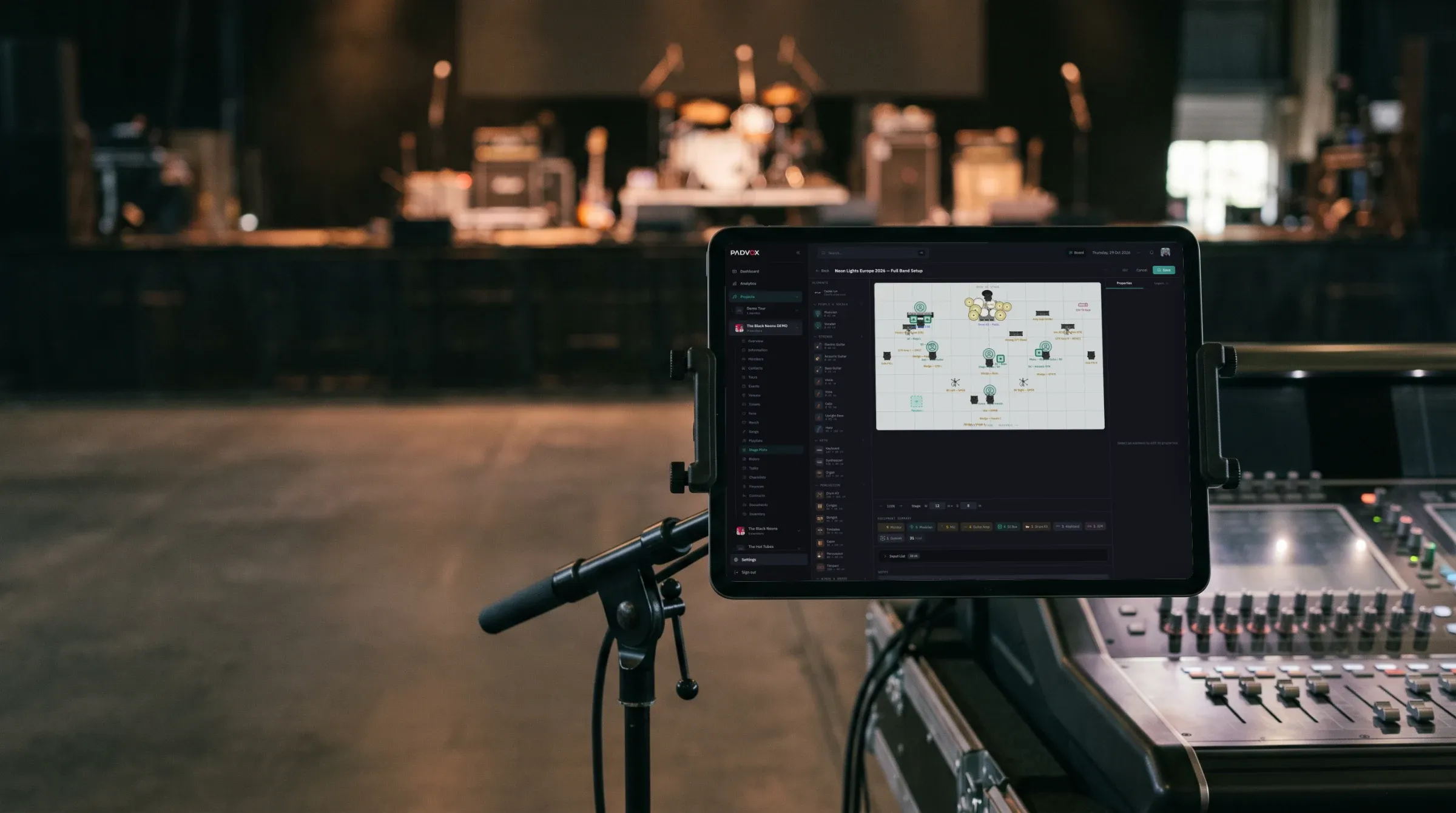
The PadVox stage plot editor on a tablet next to the mixing desk, with the stage behind

This is the stage plot of a five-piece band that plays with backing tracks, drawn the way most engineers read it: from the audience, looking at the stage. Every position carries the numbers of its inputs, so the plot and the input list match. Use it as an example, and get the editable Word version to draw yours.

Email me the template
  1. Write the point of view on the page: «seen from the audience».

  2. Put the input numbers on the plot, the same as in the input list.

  3. Mark every monitor position (wedge or in-ear) and every power outlet.

  4. One page, clear labels, band name, contact and date.

Stage plot

Seen from the audience FRONT OF STAGE · AUDIENCE Drums riser 2 × 2 m 1-7 Mix 5 Playback 12-13 Bass 8 · 15 3 Guitar 9 2 Keys 10-11 · 16 Mix 4 Lead vocal 14 Mix 1

Touch or hover a position to see its inputs and its mix.

Input number (matches the input list) Monitor wedge, with its mix number In-ear, with its mix number Power outlet needed

Input list

#SourcePositionMic / DI
1-7Drums (kick, snare, hi-hat, 2 toms, 2 OH)Drum riserDynamic / condenser
8BassStage rightDI
9Guitar ampStage leftDynamic
10-11Keys L/RStage left, frontDI
12-13Playback L/RNext to the drum riserDI (band)
14Lead vocalCenter frontDynamic
15Backing vocal 1Bass positionDynamic
16Backing vocal 2Keys positionDynamic

Monitors

MixPositionType
1Lead vocalIn-ear (band)
2GuitarWedge
3BassWedge
4KeysIn-ear (band)
5DrumsIn-ear + click (band)

Show details

Band
[Band name]
Date
[dd/mm/yyyy]
Technical contact
[Name] · [phone] · [email]
Stage size needed
6 × 4 m minimum

Free template · Word

Get the editable template in Word

A blank stage plot with the input list and the monitor table, ready to fill in, plus this example. We send it to your email.

We send you the template and occasional PadVox tips. Unsubscribe anytime.

Frequently asked questions

What is a stage plot?

It's a one-page map of your setup: where each musician and instrument stands, what each source needs and where the sound goes back to each musician. It travels with the input list and the technical rider.

Do I draw it from the audience or from the band?

Most engineers read it from the audience, looking at the stage. Pick one and write it on the page, so left and right mean the same to everyone.

What goes on a stage plot?

Positions, risers, the input numbers of each position, every monitor (wedge or in-ear) with its mix, the power outlets, and the band's name, contact and date.

Do I still need an input list?

Yes. The plot shows positions; the list shows what goes into each channel. Use the same numbers in both and the engineer can patch almost without asking.

Read the guide: how to make a stage plot

In PadVox, the stage plot is drawn in the web editor with the real stage size, carries its input channel list, opens on the iPhone and iPad and exports to PDF. It's part of the Band plan: 14-day free trial, no card needed. PadVox →

Get your next show ready with PadVox.

Download the app free on iPhone or iPad.

On Android or a computer? Create your account on the web to manage setlists, events and riders. Playback needs an iPhone or iPad.